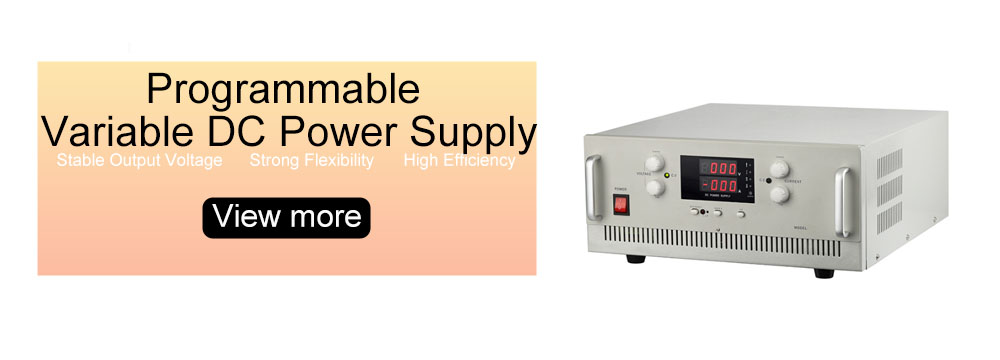
Newcomers to adjustable power supplies are often confused by Constant Voltage (CV) and Constant Current (CC) modes. Choosing the wrong mode not only distorts experimental data but may also damage the load or the adjustable power supply itself. In fact, there’s no need to memorize complex principles – one sentence sums it up: Use CV mode to fix voltage and let current adapt to the load; use CC mode to fix current and let voltage adapt to the load. Below, we’ll break down both modes with practical scenarios and troubleshooting tips.
1. Constant Voltage (CV) Mode: Voltage Locked, Current Adaptive
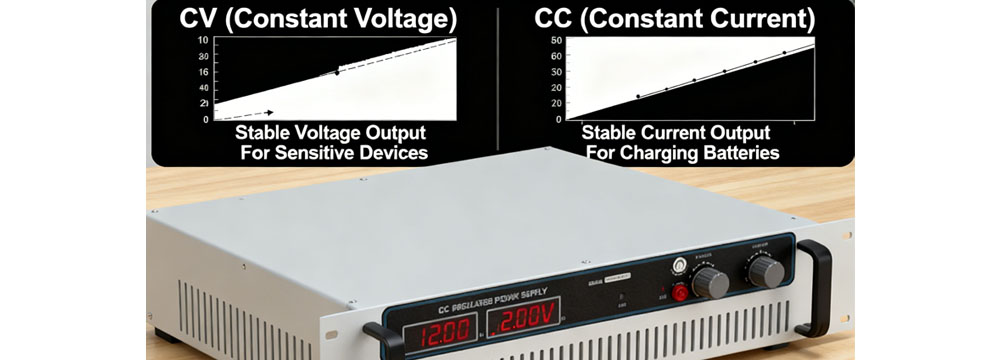
The core of CV mode is "stable voltage, flexible current." The adjustable power supply maintains a fixed output voltage, while current automatically adjusts based on load impedance – acting like a reliable "voltage backbone" for the load.
Typical applications include scenarios requiring stable voltage: powering electronic components like circuit boards and sensors, or the final stage of lithium battery charging, where fixed voltage prevents component breakdown.
Troubleshooting key points: If your adjustable power supply shows CV mode but voltage fluctuates, first check if the load is short-circuited or exceeds the power supply’s rated power. Such issues trigger protection mechanisms, making it impossible to maintain constant voltage. High-quality adjustable power supplies like IDEALPLUSING offer higher voltage regulation precision in CV mode, minimizing voltage drift caused by minor load changes.
2. Constant Current (CC) Mode: Current Locked, Voltage Adaptive
CC mode operates on the principle of "stable current, flexible voltage." The adjustable power supply strictly controls output current, while voltage adapts to load impedance to ensure the load receives the set current consistently.
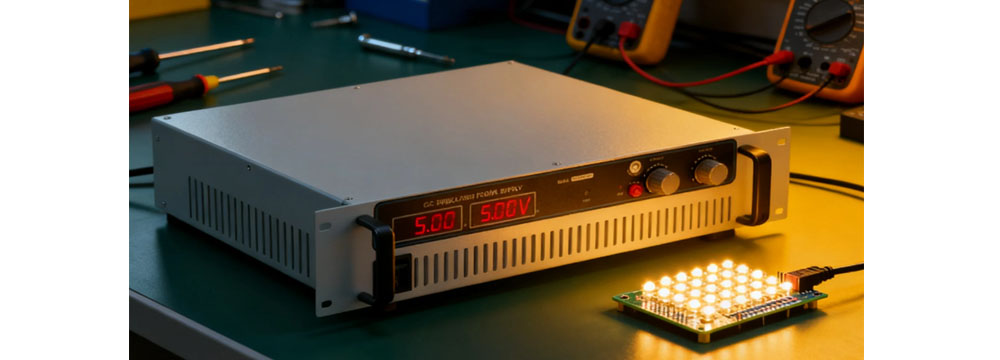
Common use cases involve strict current requirements: LED bead testing, electronic component aging experiments, or sensor calibration requiring constant current excitation – excess current can burn out components instantly.
Troubleshooting notes: If your adjustable power supply shows CC mode but fails to reach the set current, the load impedance is likely too high. This causes voltage to hit the power supply’s upper limit without meeting the current requirement. In this case, reduce the load impedance or switch to an adjustable power supply with a higher voltage range. Additionally, long-term overload operation in CC mode accelerates internal component aging – always reserve a reasonable power margin.
3. Beginner Pitfalls: Hidden Risks of Wrong Mode Selection
Many beginners mistakenly believe "both modes are interchangeable," but this hides significant risks. For example, using CC mode to power ordinary circuit boards may burn chips due to excessive current; using CV mode for LED beads can cause premature failure from uncontrolled current.
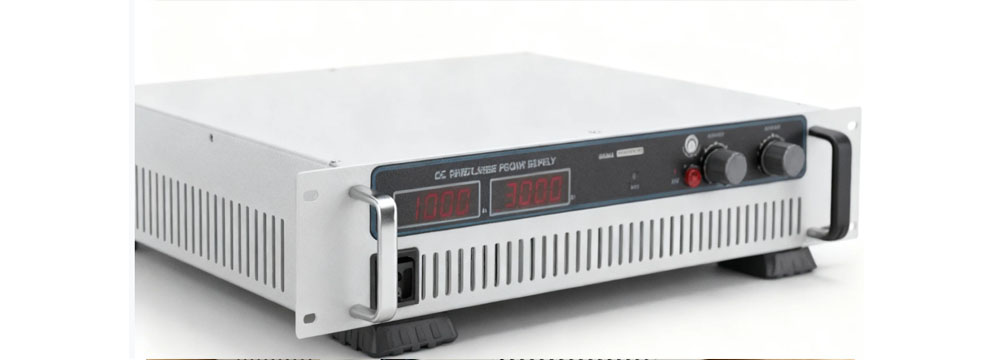
An often-overlooked detail: Premium adjustable power supplies support automatic CV/CC switching. When load changes trigger threshold values, the power supply switches modes to protect equipment – a crucial factor when selecting an adjustable power supply. By remembering the core principle and matching mode selection to the load’s voltage and current needs, you can use your adjustable power supply reliably and effectively.